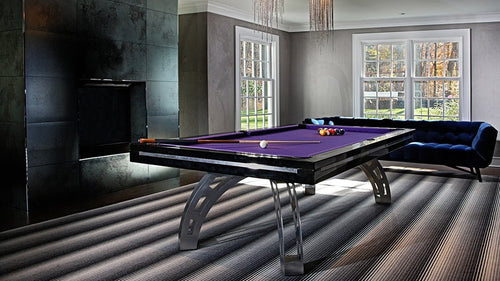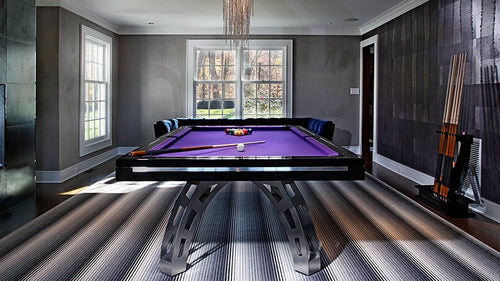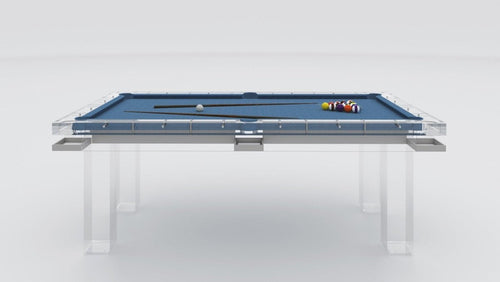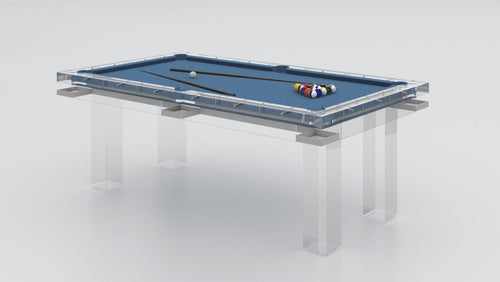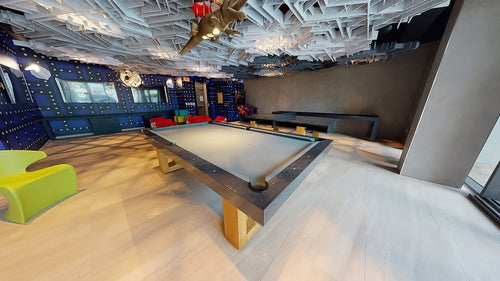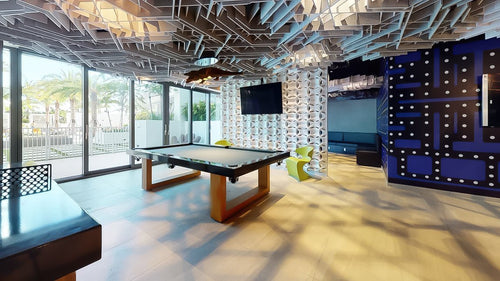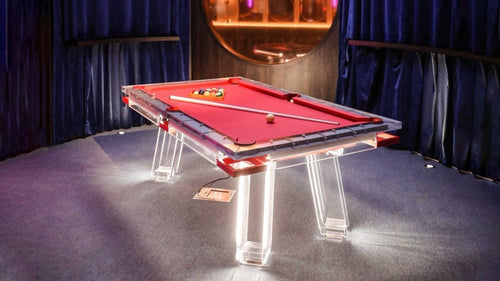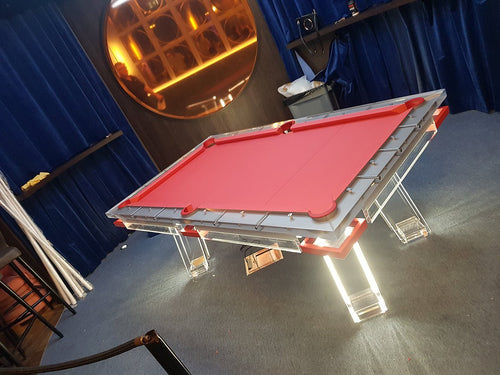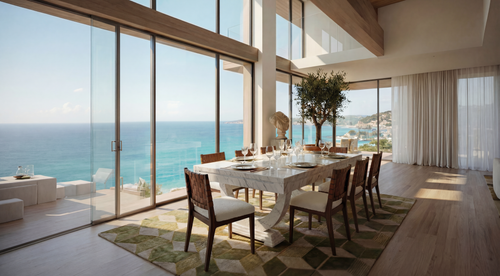


Enjoy our modern designs
Estimated Read Time: 5 mins |
Isometric drawings blend the precision of technical schematics with the clarity of 3D visualization—no perspective tricks needed. As a fundamental part of any designer’s toolkit, they help you convey spatial relationships, dimensions, and material details in one comprehensive view.
What Is an Isometric Drawing?
- Parallel projection: Parallel edges remain parallel rather than converging at vanishing points; angles and lengths on the page need not equal their three-dimensional values.
- Equal axis scale: The projected positive axes are 120° apart. A true isometric projection foreshortens axis-parallel lengths equally, to about 0.816 of their model length. A conventional isometric drawing often uses full-length dimensions along those axes instead.
- Axonometric Category: Alongside dimetric and trimetric projections, isometric uses an equal scale along the three principal axes.
Why Designers Choose Isometrics
- Dimensioned coordination: Check the drawing convention and output scale before measuring. Use explicit dimensions to confirm fit; diagonal or other non-axis-parallel lines cannot simply be measured with the same axis scale.
- Speed and Simplicity: Generate by hand or in CAD more quickly than full perspective renderings.
- Clear Communication: Clients, contractors, and colleagues instantly grasp layout and scale without technical jargon.
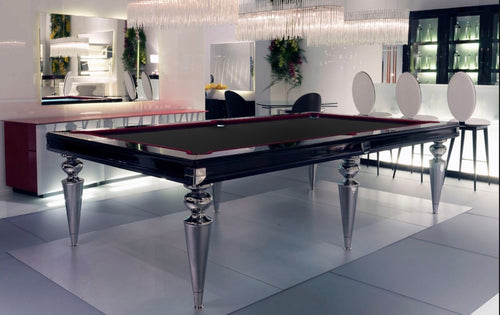
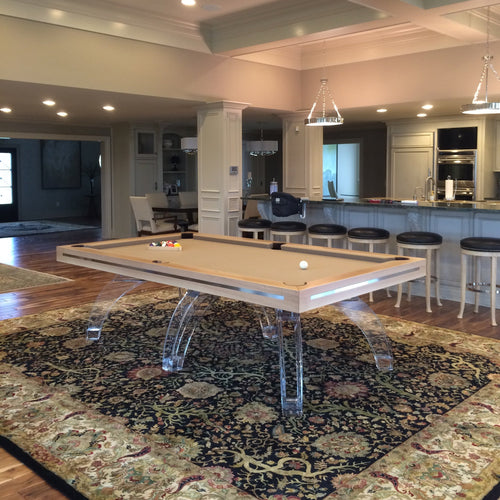
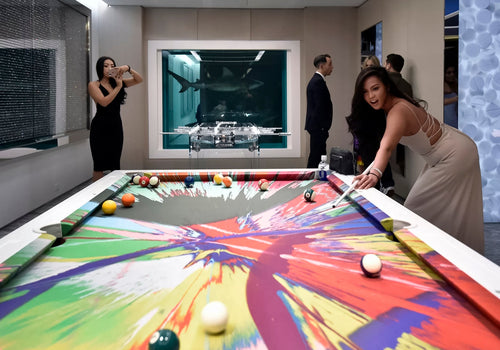
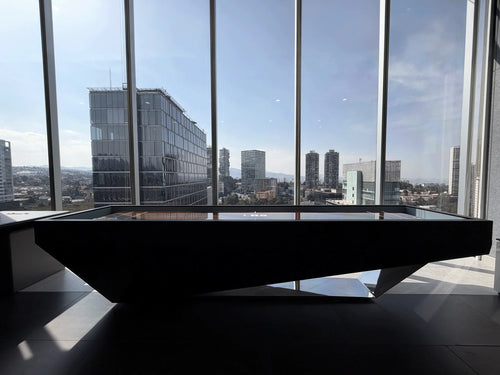
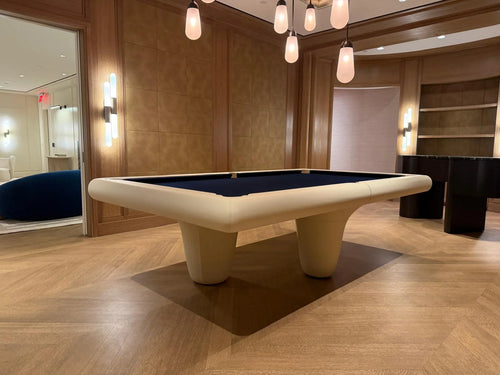
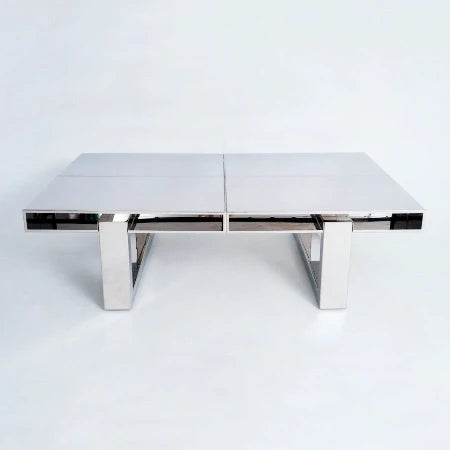
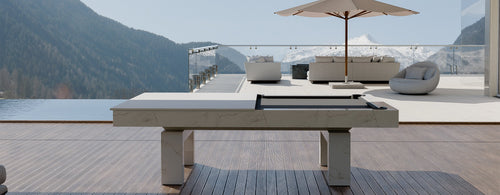
- Versatility: From custom cabinetry to furniture layouts—or illustrating a centerpiece like a luxury pool table—isos adapt to any design element.
Comparing Drawing Types
| Drawing Type | Ideal Use | Drawbacks |
|---|---|---|
| Plan | Floor layouts and traffic flow | No vertical context |
| Elevation | Wall details and fixtures | Lacks depth |
| Perspective | Realistic client renderings | Not directly measurable with one uniform scale; use annotated dimensions |
| Isometric | Technical coordination and space studies | Less photo‑real than perspective |
Step-by-Step: Crafting an Isometric
- Prepare the Base Plan: Start with a precise, scaled floor plan or layout.
- Establish axes: In a typical 2D isometric setup, use a vertical direction and two receding directions at 30° to the horizontal, one to each side.
- Transfer measurements: Use a consistent scale along the isometric axes. Locate the endpoints of other lines from their axis coordinates rather than copying their true length directly.
- Build the Scene: Layer major elements—walls, fixtures, furniture—in descending order of importance.
- Annotate and Dimension: Add dimension lines, material notes, and clearance markers for clarity.
Best Practices and Pitfalls to Avoid
- Line Weight Hierarchy: Use bold lines for primary structures and finer lines for details.
- Avoid Overcrowding: Focus on key components; omit decorative clutter.
- Scale Consistency: Double-check axis scaling, especially in hand-drawn sketches and CAD settings.
- Selective Emphasis: Highlight critical features—e.g., a window seat, a built-in bar, or a pool table nook—without overwhelming the view.
Integrating Isometrics into Your Design Workflow
- Early Concepts: Sketch quick isometric views during brainstorming sessions to validate spatial ideas.
- Design Development: Incorporate detailed isometrics alongside plans and elevations for construction documents.
- Client Presentations: Use isometric overlays with finish schedules to help clients visualize materials and textures.
Isometric views help communicate millwork, furniture and room relationships. Coordinate them with dimensioned plans, elevations and verified model data before approving construction or a pool table installation.
Sources
References checked October 19, 2026: Autodesk: 2D isometric drafting planes and axes; Autodesk: projection-to-drawing scale factor of 1.22474487 (inverse approximately 0.816).